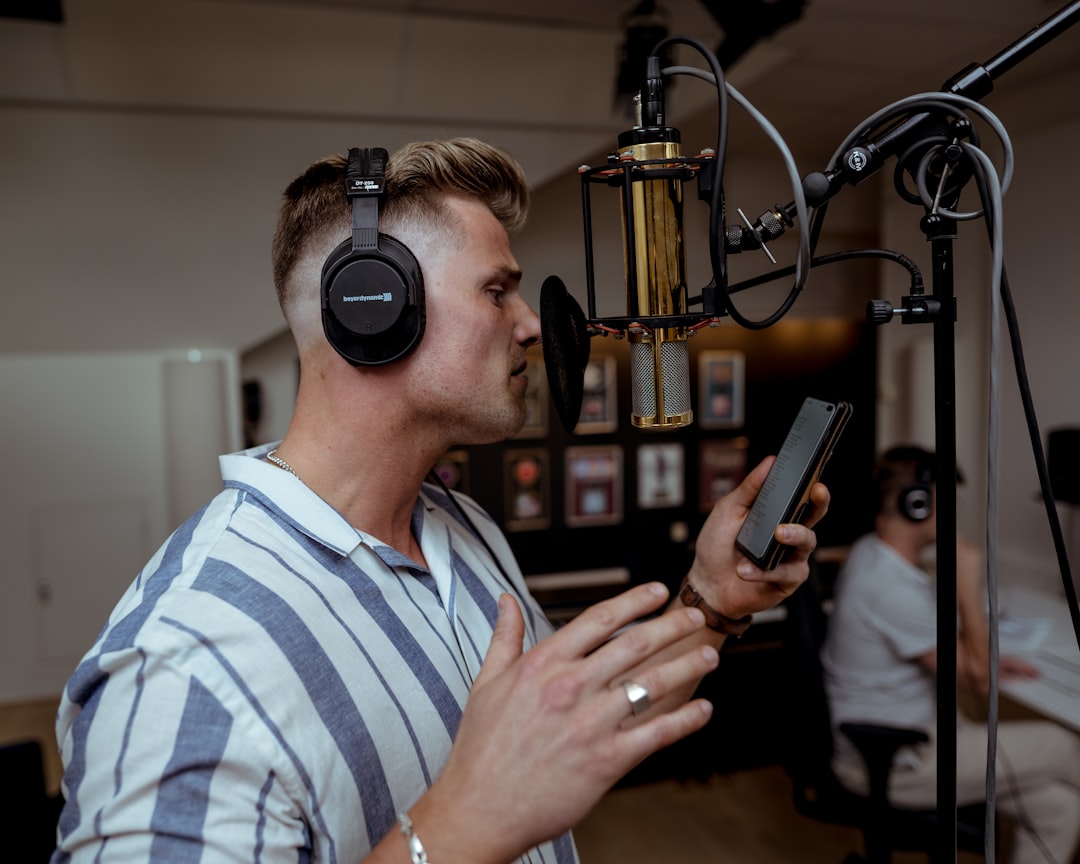
A directed session is a virtual meeting where a client provides real-time feedback while you record. These sessions use platforms like Zoom, Google Meet, Source Connect, or ISDN and help clients ensure satisfaction with the final product.
Preparation Steps
Schedule the session clearly, specifying your connection method. Set calendar reminders and arrive 15-30 minutes early to test equipment and review the script. You want this to be smooth — check for unusual terminology and understand the overall tone beforehand.
During the Session
Start recording immediately and eliminate background noise. Introduce yourself professionally and thank the client. Take the initiative to explain your process — this demonstrates confidence and professionalism. Confirm tone, pacing, and time constraints before recording begins.
Ensure you can playback takes quickly and label each one clearly. Be prepared to make minor edits in your DAW if requested.
Post-Session Tasks
Save and backup everything before editing. Provide minimally processed WAV files unless otherwise specified. Send audio with a thank-you note and invoice (for direct clients). Follow up within a few days to confirm satisfaction.
Directed sessions are just one way to land voice over work. For a full breakdown of where to find these opportunities, read our guide on finding voice over work online.
Get voiceover tips in your inbox

Trevor O'Hare
Voiceover Coach & Founder of VOTrainer
Trevor is a professional voice actor turned coach with over two decades in audio production. He has completed thousands of voiceover projects for brands of all sizes and now helps aspiring and working voice actors build their careers through 1-on-1 coaching, demo production, and online courses. He also works as a full-time voiceover artist at TrevorOHare.com. Looking to hire voice talent? Check out RealVOTalent.com.
Related posts
Best Audio Interface for Voice Acting and Home Studios
The best audio interface for voice acting at every budget: Focusrite, MOTU, Audient, and RME picks, plus the specs that matter in a home studio.
How to Get Repeat Clients as a Freelance Voice Actor
Constant prospecting burns out even talented voice actors. Here's how to turn one-off bookings into repeat clients who come back month after month, with specific tactics for delivery, follow-up, and staying top of mind.
Medical Narration: A Lucrative Voiceover Niche in 2026
Medical narration is one of the few voiceover niches where rates have held steady and the talent pool stays small, thanks to dense terminology and heavy regulatory review. Here's what the work actually involves, what skills clients pay for, and how to build a demo that books it.