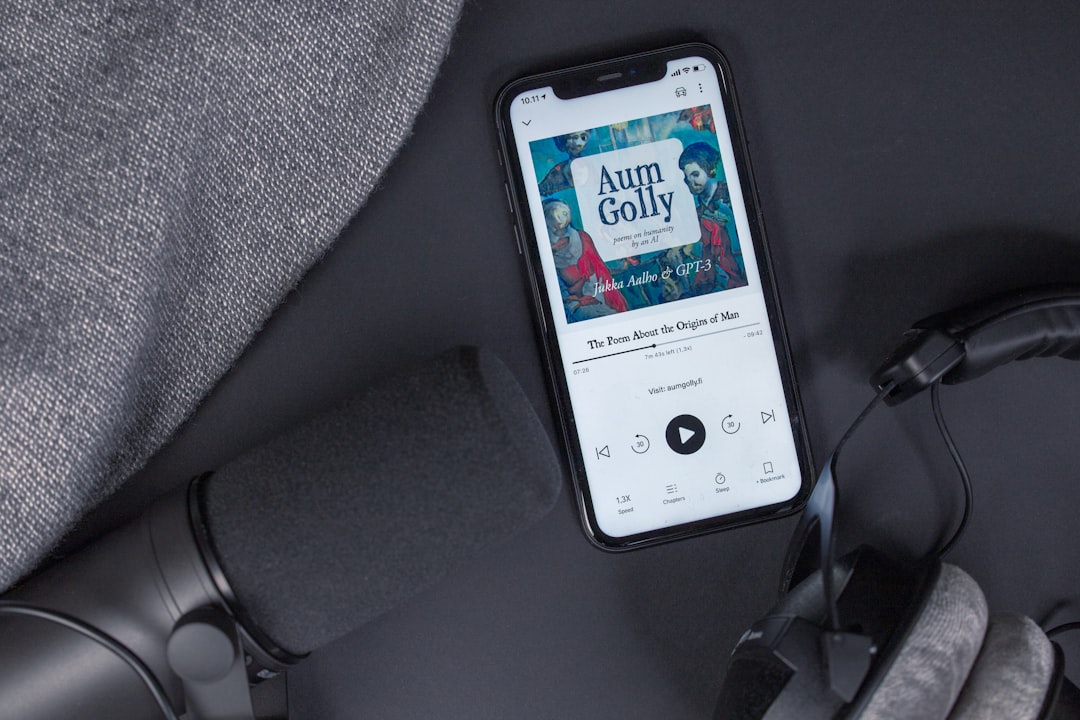
Your microphone gets all the attention, and your room does most of the actual work. The audio interface sits quietly between them, and it is the piece voice actors tend to either overspend on or ignore completely. Both mistakes cost you. Buy too cheap and you fight preamp hiss on every take. Buy too expensive and you have spent demo-production money on features you will never touch.
I have coached hundreds of voice actors through their first home studio build, and the interface question comes up in nearly every session. Here is how I think about it.
What the Interface Actually Does for Your Voice
An audio interface does four jobs: it supplies phantom power to condenser mics, it amplifies your mic signal to usable level through its preamps, it converts that analog signal to digital, and it sends audio back out to your headphones with low enough latency that you can monitor yourself while you record.
For voice actors, job two matters most. A microphone puts out a very weak signal, and the preamp has to multiply it substantially before your DAW sees anything usable. A weak or noisy preamp adds a hiss floor that lives under every word you record. You can clean some of it up in post with something like iZotope RX, but noise reduction always costs you a little life in the voice. Better to never introduce the noise.
Job three, the conversion, is where the marketing lives and where the practical differences have mostly disappeared. Converters in a $150 box today are genuinely good. A casting director will never reject your audition because of your converters. They will reject it because of room reflections, mouth noise, or a hissy signal chain.
The Specs That Matter for Voiceover
Ignore most of the spec sheet. Focus on these four.
Preamp gain range. This is the single most important number for a voice actor audio interface. Look for the maximum gain, listed in dB. Many entry-level interfaces top out around 60dB, which is fine for a condenser like a Rode NT1 or a shotgun like the Sennheiser MKH416. If you are running a dynamic mic like a Shure SM7B or an Electro-Voice RE20, you want closer to 70dB, or you will need an inline booster.
Input count. You need one. Buy two so you have a spare channel and a backup when a mic input fails mid-session. You do not need eight inputs. A home studio audio interface with more channels than you use is just a bigger box with more things to break.
Driver stability. This is the thing nobody reviews and everybody regrets. Some manufacturers ship rock-solid drivers that survive OS updates for a decade. Others break every time Apple or Microsoft ships an update. RME has the best reputation here by a wide margin. Focusrite, MOTU, and Audient are all reliable. Check user forums for the specific model before you buy.
Independent monitor mixing. You want to hear yourself in your headphones without latency, and you want to control the balance between your live voice and playback from the DAW. Almost every interface does this now, but confirm it.
Sample rate above 48kHz is irrelevant for voiceover. Nearly every client spec I have seen in the last decade asks for 44.1kHz or 48kHz, 16-bit or 24-bit WAV. Recording at 192kHz gives you bigger files and nothing else.
The Best Audio Interface for Voiceover at Each Budget
Getting started, roughly the $130 to $200 range. The Focusrite Scarlett Solo and 2i2, both in their 4th generation, are the default recommendation for a reason. The auto-gain feature actually helps beginners set level, and the clip safe mode catches you when a laugh or a shout would have distorted the take. The Universal Audio Volt series is a strong alternative if you want a slightly warmer preamp character. Any of these will get you booking work.
The sweet spot, roughly $200 to $400. The MOTU M2 has clean, neutral preamps and one feature I wish everyone had: real metering on the front panel, so you can see your level without staring at your screen. The SSL 2+ MKII and the Audient iD14 both belong in this conversation too, with Audient's preamps being a genuine step up in quality. If you are recording professionally and want to buy once, start here.
Long-term investment, $500 and up. The RME Babyface Pro FS is the interface I recommend to voice actors who record every day and never want to think about their gear again. The drivers are legendary and the build quality is absurd. I run a Universal Audio Apollo Twin in my own booth, which gives me onboard DSP processing, though most voice actors do not need that. Buy at this tier for reliability and resale value, not for a sound quality jump your clients will hear.
Matching the Interface to Your Microphone
Buy these two together, or at least decide on both before you spend anything.
If you are running a condenser or shotgun mic, almost any modern interface has enough gain. Confirm it supplies 48V phantom power, which they all do, and move on.
If you are running a dynamic mic, gain is your constraint. An SM7B into a 60dB preamp will leave you cranking the knob to maximum and living with audible hiss. Two fixes: buy an interface with more gain headroom, or add an inline preamp booster like a Cloudlifter CL-1 or a Triton Audio FetHead. The FetHead is smaller, cheaper, and draws its power from the phantom power your interface already provides.
If you are still choosing a mic, get the mic right first. The mic is the bigger variable in how you sound.
Two Mistakes I See Constantly
The first is buying a mixer instead of an interface. Mixers are built for live sound. You want a clean, direct path from mic to computer with as few stages as possible.
The second is treating gear as a substitute for room treatment. A $700 interface in an untreated bedroom sounds worse than a $130 interface in a properly treated closet. Every dollar you spend on absorption before you spend it on a preamp upgrade returns more. Fix the room, then upgrade the chain.
Pick something in the mid tier, match it to your mic, and stop researching. The gear question has a right-enough answer, and the difference between working voice actors and aspiring ones has never been the interface.
If you want a second opinion on your specific setup before you buy, or you would like me to listen to a raw recording and tell you what is actually holding your sound back, that is a large part of what my 1-on-1 coaching sessions cover. Bring me a WAV file and your gear list, and we will sort it out in an hour.
Get voiceover tips in your inbox

Trevor O'Hare
Voiceover Coach & Founder of VOTrainer
Trevor is a professional voice actor turned coach with over two decades in audio production. He has completed thousands of voiceover projects for brands of all sizes and now helps aspiring and working voice actors build their careers through 1-on-1 coaching, demo production, and online courses. He also works as a full-time voiceover artist at TrevorOHare.com. Looking to hire voice talent? Check out RealVOTalent.com.
Related posts
Best Studio Headphones for Voice Actors and Narrators
The best headphones for voiceover are closed-back. Here are the specific models I record, edit, and make final quality calls with.
Best Budget Microphones for Voice Over: 3 Tested Picks
Three microphones I've used professionally, from $70 to $999. The best budget pick for beginner voice actors, USB vs XLR, and what changes your sound.
Sound Treatment and Isolation at Home
How to soundproof a home voiceover studio on any budget. Four acoustic treatment approaches from free closet recording to professional foam, with the key insight most beginners miss.